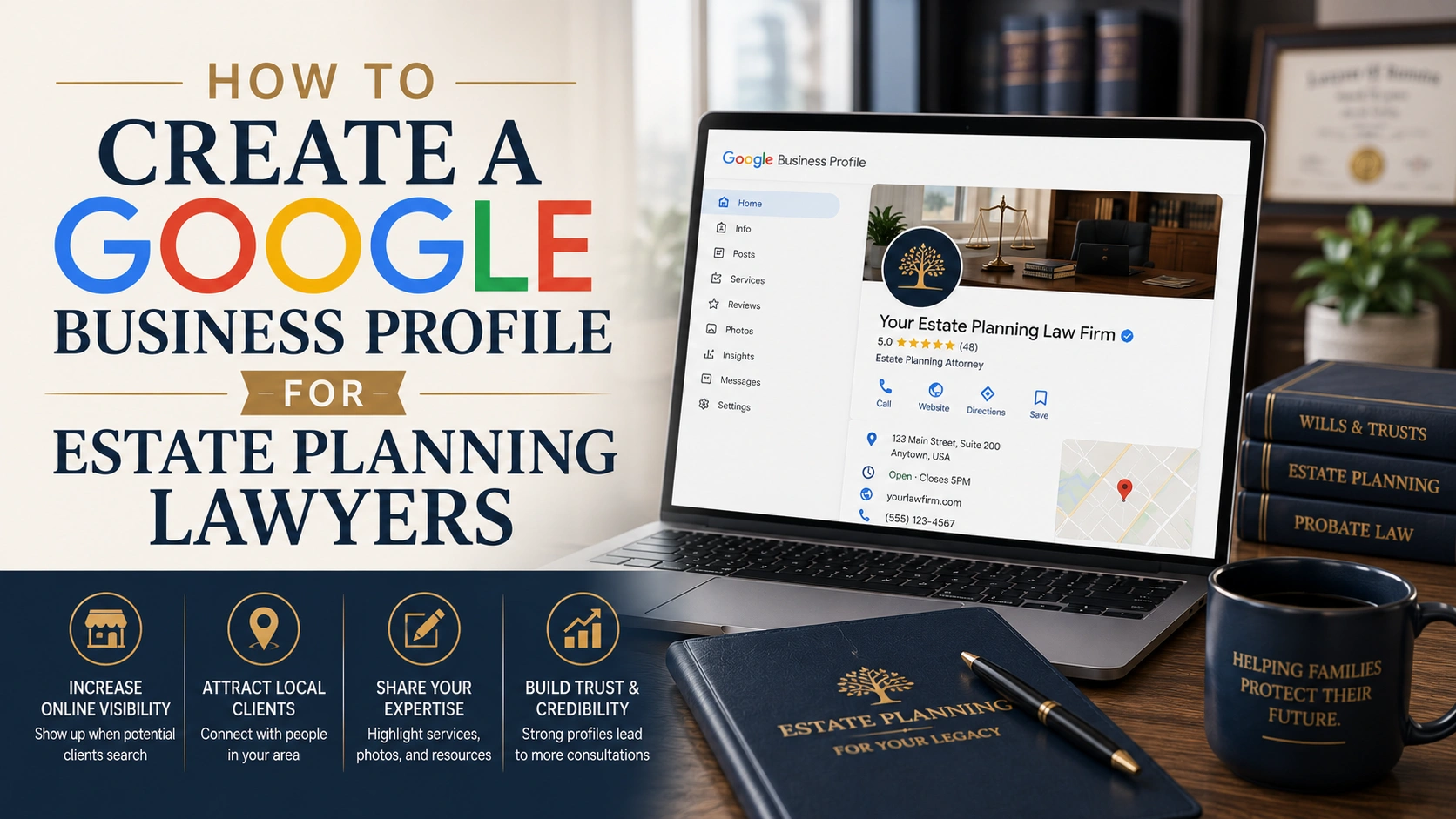
How To Create a Google Business Profile For Estate Planning Lawyers
Creating a Google Business Profile takes about ten minutes, but getting it right for an estate planning practice takes more thought than most guides admit. This post walks through the exact setup and verification steps, then covers what changes for a referral-driven, confidentiality-sensitive practice: choosing the right category, handling reviews without discussing client details, and using the Q&A section most firms leave blank.
Why Estate Planning Lawyers Need a Google Business Profile
A Google Business Profile is the free listing that shows your firm’s name, address, phone number, hours, and reviews across Google Search and Google Maps.
For estate planning lawyers, it often becomes the first thing a referred prospect checks before calling, which makes it a trust check as much as a directory listing.
Local search has become the default way people confirm a business is real before they act on it.
About 80 percent of US consumers search online for local businesses on a weekly basis, and roughly 46 percent of all Google searches carry local intent.
Estate planning has its own version of this behavior, even though it looks different from a typical “near me” search.
59 percent of clients still find their attorney through a referral from a friend, family member, or another professional.
But a referral rarely ends with an immediate phone call.
Nearly half of referred prospects still do their own homework first: 45 percent research the attorney’s website and 46 percent check reviews before ever picking up the phone.
If your profile is incomplete, outdated, or missing entirely at that moment, a warm referral can quietly go cold.
What You Need Before You Start
Before you open a browser tab, gather a few things first.
This keeps the setup process short and avoids mistakes that are annoying to fix later.
You’ll need a Google account connected to a business email address rather than a personal Gmail account.
This keeps ownership with the firm instead of one employee, which matters if that person ever leaves.
Decide whether clients visit your office or whether you meet them elsewhere.
Estate planning attorneys often see clients at home, in a hospital, or in a hospice setting, so you’ll need to know upfront whether you’re listing a physical address or a service area instead.
Have your firm’s exact legal name, phone number, and website ready, along with a short list of the specific services you offer, like revocable trusts, powers of attorney, and probate administration.
You’ll also want five to ten photos of your office and team on hand, since a profile with real photos tends to get chosen more often than one without.
How Do You Create a Google Business Profile Step by Step?
You create a Google Business Profile by going to business.google.com/add, entering your firm’s name and category, choosing your address or service area, adding contact details, and completing a verification step before the listing goes live.
The whole process takes about ten minutes, though verification itself can add a few extra days.
Search for or Add Your Firm
Go to business.google.com/add and search for your firm’s name first.
Google will show you any existing profiles at your address so you don’t accidentally create a duplicate, which can split your reviews and confuse Google’s ranking systems.
If nothing comes up, select the option to add your business instead.
Choose the Right Category for an Estate Planning Practice
Select “Estate Planning Attorney” as your primary category rather than the generic “Law Firm” or “Attorney” category.
This single choice does more for your visibility than almost anything else on the profile, because it tells Google exactly which searches to match you with, like “estate planning attorney near me” or “trust lawyer.”
If your firm also handles probate litigation, elder law, or business succession planning, add those as secondary categories.
Avoid adding unrelated categories just to appear in more searches, since Google has gotten better at limiting visibility for profiles that do this.
Add Your Service Area or Office Address
If clients come to your office, enter your complete street address, including suite number.
Skip PO boxes, since Google will reject them.
If you don’t have a public-facing office, or if you frequently meet clients at their homes, choose the service area option instead and list the counties or cities you cover.
This is common for estate planning attorneys who handle a lot of home and hospital visits for elderly or homebound clients.
Enter Contact Details and Hours
Add your firm’s main phone number and website.
Use a number that’s actually answered during business hours, since a missed call from a Google listing often doesn’t get a second chance.
Set your hours to reflect reality.
If you only meet by appointment, say so in the profile rather than leaving the hours blank, which reads as unreliable to someone comparing you against other firms.
Verify Your Profile
Google offers several verification methods depending on your business and location, usually phone, email, a live video call, or a postcard mailed to your address.
Your profile won’t appear in search results until this step is complete.
Don’t make major edits to your profile while verification is pending.
Changing your name or address mid-verification can restart the entire process.
How Should Estate Planning Attorneys Optimize Their Profile After Verification?
Verification gets your profile live, but an unfinished profile still loses to a complete one.
Google favors profiles that use every available field, and searchers trust the ones that look complete and current over ones that feel abandoned.
Write a Description That Builds Trust, Not Just Keywords
Google gives you up to 750 characters for your business description.
Use it to name your specific practice areas, wills, trusts, probate, powers of attorney, elder law, and mention how long you’ve practiced or how many families you’ve helped.
Skip vague language like “top-rated” or “best in town.”
Estate planning clients respond better to specifics, like years of experience and areas of focus, than to superlatives.
Add Photos That Signal Credibility
Upload real photos of your office, your team, and your attorneys, not stock images.
Estate planning is a deeply personal decision, and people want to see the person they might be trusting with their family’s future.
A short video introduction from the lead attorney, even one filmed on a phone, tends to build more confidence than another paragraph of text.
Set Up Services and Attributes
Use the “services” feature to list what you actually do: trust drafting, will preparation, probate administration, guardianship, and elder law planning.
This helps Google match your profile to more specific searches, and it helps a visitor confirm within seconds that you handle their exact situation.
What Makes Google Business Profile Different for Estate Planning Compared to Other Practice Areas?
Estate planning clients rarely search the way personal injury or DUI clients do.
There’s no urgent moment after an accident pushing them to call the first firm that answers.
Instead, the decision is usually triggered by a life event: a new grandchild, a health scare, a death in the family, or simply getting older, which means your profile needs to build lasting trust rather than win a five-minute urgency race.
Most general Google Business Profile advice, including guidance built for law firms as a whole, assumes a shorter decision cycle and a faster pace of new reviews.
Estate planning doesn’t move at that speed, and a profile built for a fast-moving practice area can end up feeling mismatched for one built on patience and trust.
This is also where organic visibility and paid visibility play different roles.
A well-optimized profile builds the quiet, ongoing trust that supports a broader estate planning marketing strategy, while tools like Local Services Ads put your firm in front of people actively searching right now.
Neither one replaces the other.
How Do You Handle Reviews When Client Work Is Confidential?
You can build a strong review profile without asking clients to discuss anything private.
Reviews for estate planning firms tend to focus on how the attorney made the client feel, patient, clear, and respectful of a hard topic, rather than case specifics, and that’s exactly the kind of review worth asking for.
Reviews carry real weight with people comparing firms.
68 percent of consumers will only use a business with four stars or more, and 31 percent now hold out for 4.5 stars or higher.
When you ask for a review, keep the request general.
Something like, “Would you be willing to share your experience working with our firm?” works better than asking a client to describe their specific matter.
Never offer a discount or gift in exchange for a review.
Check your state bar’s advertising rules before referencing client outcomes anywhere beyond the review itself, since some states restrict how attorneys can describe results.
How Should You Use the Q&A Section for Estate Planning Questions?
The Q&A section lets you pre-answer the questions clients already ask on every intake call, like the difference between a will and a trust or whether you offer virtual consultations.
Populating it before clients arrive builds trust earlier and keeps a stranger or competitor from answering on your behalf.
Anyone can post a question, and anyone, including you, can answer it, so getting there first matters.
Good starting questions include “What’s the difference between a will and a trust?”, “Do you offer virtual consultations?”, and “How much does a basic estate plan cost?”
Answer each one the way you’d answer it in person: plainly, and without jargon.
If writing these answers from scratch feels like one more task on a long list, using AI to draft a first pass of your profile description and Q&A answers can save real time, as long as an attorney reviews the final wording before it goes live.
How Kaizen Growth Helps Estate Planning Firms Turn Visibility Into Signed Clients
A complete, well-optimized Google Business Profile earns trust, but trust alone doesn’t fill a calendar.
Someone still has to answer the phone, follow up on the inquiry, and get that person scheduled before they call the next firm on their list.
That’s the part we focus on.
We help estate planning firms connect integrated PPC, SEO, and CRM systems, pairing organic visibility like Google Business Profile with paid search and the intake follow-up that turns a click into a signed client.
One Richmond, Virginia estate planning firm we worked with, Berdan Law, grew from 47 qualified leads a month to 81 in under three months once visibility and intake worked together instead of separately.
If your firm’s estate planning leads are inconsistent even though your profile looks fine, the gap is usually somewhere between the click and the callback, not the click itself.
Common Google Business Profile Mistakes Estate Planning Firms Make
A few mistakes show up again and again on estate planning profiles, and most are easy to fix once you know to look for them.
Choosing “Law Firm” instead of “Estate Planning Attorney” as the primary category is the most common one.
It’s a small setting with an outsized effect on which searches you show up for.
Leaving the Q&A section empty is another.
If you don’t answer the obvious questions, someone else, a stranger, a competitor, or nobody, fills that silence instead.
Treating the profile as a one-time setup task rather than something to maintain is a third mistake.
Profiles that go quiet for months, with no new photos or updates, tend to lose ground to firms that stay active.
And relying on Google Business Profile alone, without pairing it with estate planning ads or Local Services Ads, means missing the people actively searching right now instead of just building long-term trust.
Fix these and your profile does the quiet work of confirming, to every referral who Googles your name, that they made the right call.
Frequently Asked Questions
How much does it cost to create a Google Business Profile for a law firm?
Creating and verifying a Google Business Profile is free. Google doesn’t charge for the listing itself, though some firms choose to invest in professional photos or work with a marketing team to optimize and maintain the profile over time.
Can an estate planning attorney use a virtual office address on Google Business Profile?
No. Google requires a real, staffed location if you list a public address, and using a virtual office or a PO box can get your profile suspended. If you don’t have a physical office clients visit, use the service area option instead and list the cities or counties you serve.
What category should an estate planning lawyer choose on Google Business Profile?
“Estate Planning Attorney” should be the primary category for most firms in this practice area, since it matches the specific searches clients use. Firms that also handle probate litigation, elder law, or business succession planning can add those as secondary categories, but the primary category should reflect the core of the practice.
How long does Google Business Profile verification take for a law firm?
Verification speed depends on the method Google offers for your business. Phone and email verification are usually instant, video verification can take anywhere from a few minutes to a day for Google to review, and postcard verification, which arrives by mail, typically takes about two weeks.
Should estate planning attorneys ask clients for Google reviews?
Yes, and it’s possible to do this without discussing anything confidential. Ask clients to describe how the process felt, clear, patient, respectful of a difficult topic, rather than case details, and always check your state bar’s advertising rules before referencing client outcomes anywhere outside the review itself.
How is Google Business Profile different from Google Local Services Ads?
Google Business Profile is a free organic listing that builds long-term visibility and trust, while Local Services Ads are a paid placement that appears above organic results for people actively searching right now. Estate planning firms generally get the most value from using both together rather than relying on either one alone.